Excited that you got a new job as an intern? Or have you got a new, exciting project as a freelancer? Your excitement quickly wanes when you realise you have to buy a laptop at short notice. But your role as an intern, a new employee or a freelancer doesn’t have to mean shelling out around ₹50,000 for a new device. Your new role does not have to start with a hefty expense, because renting a laptop and its accessories is now a great way to have the device for as long as you need without paying a huge amount.
This blog covers everything related to renting a laptop: the prices, how long you can rent for, the lock-in period, the security deposit, maintenance, delivery and more.

So, are you pumped to rent your laptop and start working? Read on.
Why rent a laptop instead of buying one?
A good laptop with basic to intermediate specifications can cost up to approximately ₹50,000. If it’s money you’re saving for something else, it does not make sense to spend it on a device you may need for only a few months. Here are some reasons why you should rent a laptop instead of buying one.
No big upfront cost: You pay a monthly rent and you get the device for the period you pay the rent for. The rent is affordable and there is no hefty upfront cost either, barring a security deposit, which is usually refunded once the laptop is returned to the provider.
Ideal for short-term needs: A six-month project, a freelance gig or a short-term internship doesn’t have to be expensive. You can rent the laptop for a short period and then return it. Your expensive, purchased laptop doesn’t have to sit inside the cupboard once the project is completed.
No depreciation worries: Any electronic product, piece of equipment or furniture loses value once you buy it. The resale value will be much lower than what you paid for it. The depreciation cost of the device is not your worry; it’s the rental provider’s.
Easy upgrades: Imagine this scenario. You buy a laptop and then realise it doesn’t support the editing feature you need. When you rent, you can always upgrade to a higher model without worrying about the expense.
Free maintenance: Maintaining a laptop is not as easy as you think it is. It gets especially expensive if it’s due for a repair that’s not caused by you. When you rent a laptop, the provider usually takes care of the repairs at no extra cost.
Having said all this, renting a laptop does not work for everyone. If you know you want to work on one for three to four years, renting a laptop would cost more in the long run because of the cumulative rent. Buying a laptop would make sense then.
Who should rent a laptop in India?
Renting a laptop is not just for those who cannot afford one. Affordability is just one facet of it. It will also benefit those who want it on a temporary basis.
Freelancers and remote workers: Got a freelancing gig or a work-from-home arrangement for a short period? You can rent a laptop, start your work immediately and return it once the project ends.
Students and interns: A semester project, a three-month internship or an online course does not justify an expensive purchase. Renting gives you the flexibility to return the laptop once the project is done.
People between jobs or on short assignments: If your new company has not issued a laptop yet, or if you know the project you’re working on is for a short term, renting gives you the opportunity to bridge the gap and saves you from an expensive purchase.
Anyone who wants to try before buying: You have been using a Windows PC all your life, but want to switch to a MacBook and are unsure if it’s the right fit for you? You can always rent a laptop for a couple of months, try it out and then buy it.
If you’re a student who is starting college and needs a laptop for a four-year degree, renting would get expensive in the long run. Consider buying one on EMI to start with.
Laptop rental prices in India: what to expect per month
Laptop rental prices depend on a myriad of factors: the rental provider, the specs you want, the brand and the duration you want it for.
Here’s a general idea of what you can expect when you rent a laptop.
| Laptop type | Typical specs | Approximate monthly rent | Best for |
| Basic | Intel i3/i5, 4-8 GB RAM, 256 GB SSD | ₹1,200 – ₹2,000 | Browsing, documents, online classes |
| Everyday work | Intel i5/i7, 8-16 GB RAM, SSD | ₹2,000 – ₹3,500 | Office work, coding, remote jobs |
| Macbook | Macbook Air/Pro | ₹3,500 – ₹11,000 | Designers, developers, creators |
| High-performance model | Gaming laptops | ₹11,000 – ₹17,000+ | Video editing, 3D work, heavy software |
What usually affects the price?
Rental duration: The longer the plan, the lower the monthly rent. For example, have you noticed that when you buy three pairs of jeans, each pair costs less than if you bought one pair separately? Similarly, a 12-month plan costs less per month than a 1-month plan.
Specs and brand: Higher specifications usually push the rental price up. Specific brands do that too. If you want speed, that does it too.
Refurbished laptops: Refurbished laptops are cheaper than new laptops even when you rent them.
City and the provider: Rental prices also depend on the city you’re living in and the provider you’re renting from.
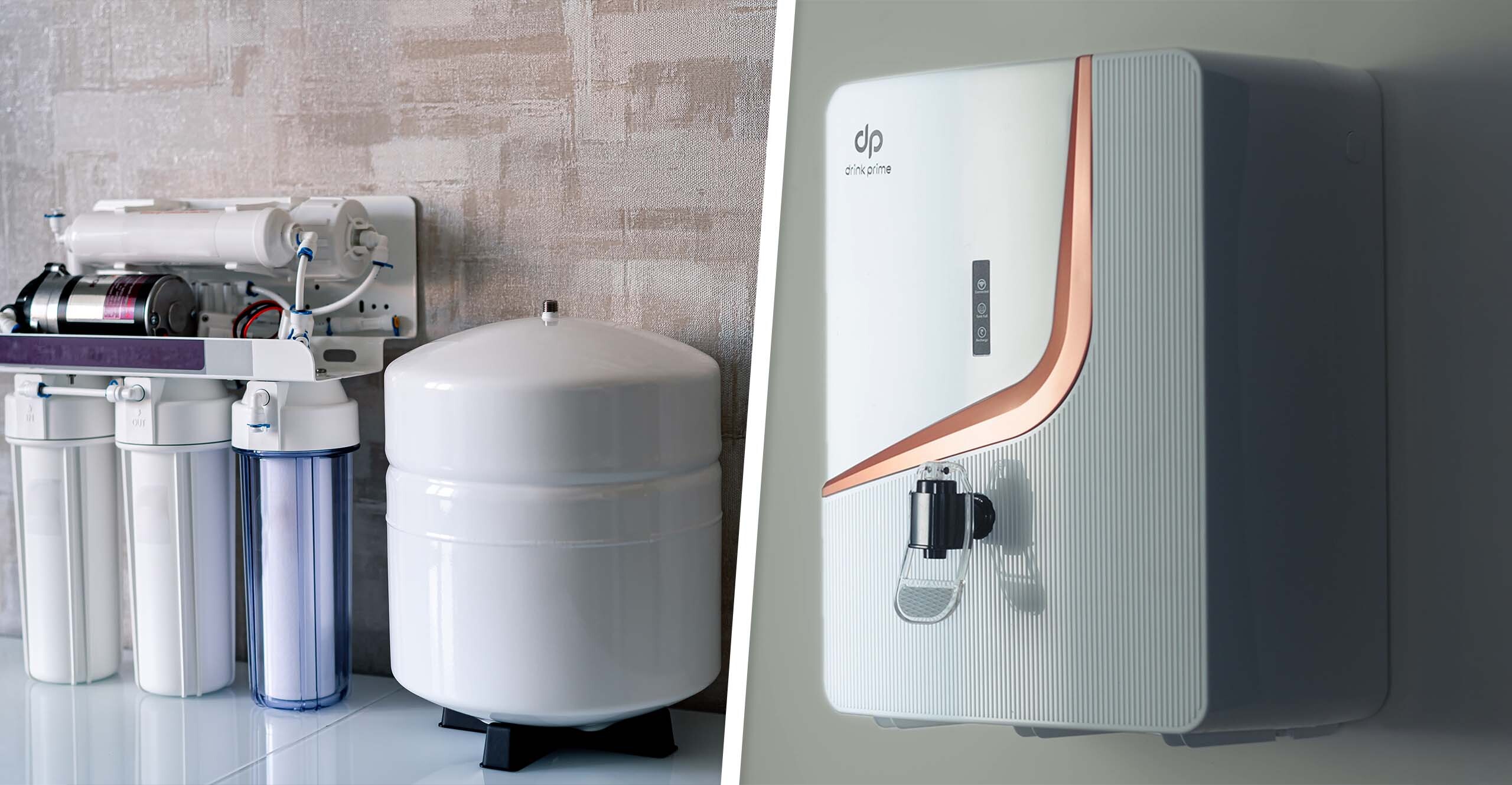
Apart from laptops, you can also rent water purifiers to complete your workstation. After all, a good source of drinking water pushes your spirits to do more.
DrinkPrime offers a range of water purifiers, tailored to your city’s water. These purifiers are on a subscription basis where you just have to pay a monthly fee and the company takes care of the rest. Taking DrinkPrime as an example, the monthly rental, which starts from ₹349/month, covers the device, installation, delivery, maintenance and relocation if needed. The monthly rental varies according to the product, just as it does in the case of a laptop.
Security deposits for laptop rentals: how much and when you get it back
Most rental providers usually ask for a security deposit before they dispatch the laptop. This is not an extra fee. It’s a safety net in case the laptop gets damaged, is not returned or is returned late.
There is no fixed industry-standard rate for how much a rental provider should charge as a security deposit. It depends entirely on the provider and the model you want to rent.
The security deposit will be higher if the laptop is a high-end model. The basic rule of thumb is: the higher the model, the higher the security deposit.
If you take the example of DrinkPrime, the company charges a security deposit of ₹1,500 for four water purifier variants and ₹1,999 for the flagship Under-the-Sink model because of its premium features.
The security deposit is refunded as soon as you return the laptop to the provider. Timelines may vary, depending on the provider. The refund is usually the full amount minus any deductions. A provider, depending on its policy, can deduct some amount if the laptop is found to be damaged upon return. The damage can include a crack in the screen or a broken hinge. Some amount can also be deducted if an accessory like a charger is lost, if the laptop is returned late, or if there is unpaid rent.
What to check before renting a laptop?
A small checklist or investing a few minutes before renting a laptop will save you hours of hassle later. Here is a checklist that will help you when you rent a laptop.
- Specs that match your work: Depending on your requirements, check the processor, storage, RAM and screen size. For everyday work, a basic laptop will suffice, but for heavy editing or design work, a higher model may be required.
- New or refurbished: Many laptops on rent would probably be refurbished ones. There’s no harm in getting one as long as it’s well maintained and in perfect working condition. Still, you will know what you’re in for if you ask how old the laptop is.
- Battery health: One of the important things you need to check is how long the laptop runs on a fully charged battery. If you’re on the move and the battery runs out in under an hour, it’s of no help.
- Warranty, repairs and replacement: Even though your rental covers maintenance, it will help if you know what the warranty is (if you’re planning to rent it for a longer period of time), how long a technician takes to repair the device, and whether the laptop would be replaced if it’s faulty. You can also ask if you would get a backup laptop in case your device is being replaced.
- Damage and theft cover: It’s highly likely that your provider deducts some amount of money from your security deposit in case your laptop gets damaged or stolen. Check what you’d owe in each case.
- Data privacy and wiping: Check if your laptop is cleaned once you return it. It’s a good idea to back up your files, delete everything, log out of all accounts and then return it.
- Software and licences: Check if your operating system is licensed and if particular software is pre-installed. Specialised tools or software are usually not included, and you may have to get them on your own.
- Lock-in period and exit terms: Every rental provider usually has a lock-in period. It is the minimum period for which you have to use the product. Check what the lock-in period is and whether early closure charges apply if you return it before the lock-in period ends.
Rent vs buy: which makes more sense for a laptop?
Now, let’s circle back to renting vs buying. Renting makes sense if you want the device for a short period of time, or if you cannot afford an expensive laptop at that particular time. Buying is suggested if you want to own the laptop and need the device for the long run.
| Factors | Renting | Buying |
| Upfront cost | Refundable deposit plus first month’s rent | Full price |
| Monthly cost | Fixed monthly rent | None unless bought on EMI |
| Flexibility | Return, renew or upgrade when your needs change | You own it and stays with you |
| Upgrades | Swap to a better model during or after the term | Buy a new laptop if you need to upgrade it |
| Repairs/maintenance | Often included in the plan | Your responsibility after the warranty ends |
| Resale value | Not your concern | You can sell it, but the value is lesser than what you bought it for |
| Best for | Short-term or changing needs | Long-term, everyday use |
You can go through the list and check which category you belong to. Depending on that, you can decide if you want to rent or buy the laptop.
Beyond laptops: other things you can rent for your home and work
Once you rent your laptop, you may want to expand your workspace as well. If you know you need something only for a short period of time, you can rent multiple things for your workspace or for your home at large.
You can also rent a monitor or accessories like a keyboard, a mouse or a laptop stand. To complete your workspace, you can get a study table or an ergonomic chair. Depending on your requirements, you can get a gaming console or a projector as well.
The idea is the same each time. Pay a refundable security deposit and the monthly rental to avoid the hefty upfront cost, and the rental provider handles maintenance and delivery.
Don’t forget the water: rent a water purifier with DrinkPrime
Now that your work-from-home station is sorted out, let’s look at what’s in the glass of water you drink while you work. If you’re in the city for a fixed duration of time, it doesn’t make sense to invest in a water purifier by paying a hefty cost. That’s where DrinkPrime comes in. DrinkPrime offers you premium water purifiers on rent (just as you got your laptop on rent). With DrinkPrime, there is no big upfront cost. Only a small refundable security deposit with an affordable monthly rental (plans start from ₹349/month) is applied. With this you get a range of water purifiers to choose from, hassle-free delivery, installation, maintenance and relocation (your rental covers everything!), and a smart, IoT (Internet of Things) powered water purifier which tracks your water usage and your filter health.
Get 7 Days Risk Free Trial
Conclusion
So, have you decided what you want to do? Rent or buy? To sum up the whole blog, renting works for you if you want the device (a laptop in this case) for a fixed or a short period of time. It will be hassle-free and cheap. If you want to own the laptop and don’t mind the expense, you can always buy it. Don’t forget to check out DrinkPrime for water purifiers on rent so that your workspace and your home are sorted for you.
Frequently Asked Questions
1. Is it worth renting a laptop for 3 months?
Yes, if the need is short-term, renting a laptop makes sense. It won’t cost a lot and you don’t have to worry about its maintenance.
2. How much does it cost to rent a laptop in India per month?
Please check the approximate price table in the blog. The rent also depends on specs, brand and tenure.
3. Is the security deposit refundable?
Yes, usually the security deposit is refundable provided the laptop comes back in good condition. This also depends on the rental provider’s policy.
4. Can I rent a laptop for just a week or a few days?
Even though some providers offer daily and weekly plans, monthly plans are more common and work out cheaper as well.
5. Can I rent a water purifier too?
Yes, you can rent a purifier according to your drinking water needs. Check DrinkPrime for its plans.